Introduction to 3D printing and digital files
People who enter the world of additive manufacturing often wonder how to obtain a 3D printing file. When additive manufacturing first emerged, some people saw 3D printers as a tool to print everyday items that break. This way they could have spare parts on the spot. Imagine your door handle breaks and you need to replace it quickly. Could you do it with 3D printing?
The short answer is yes. But you need a digital file with the handle design. Every 3D printing process starts with a digital file representing the 3D object. Think of a traditional printer. To print, it needs a text or image file. We must provide that file to it.
In 3D printing, the same applies. Additive manufacturing requires a prior design process. But how do we obtain this file? What do we need?
If you want to know the methods we have to transform ideas into digital files, read on.
3D modelling: the most common way to obtain 3D printing files
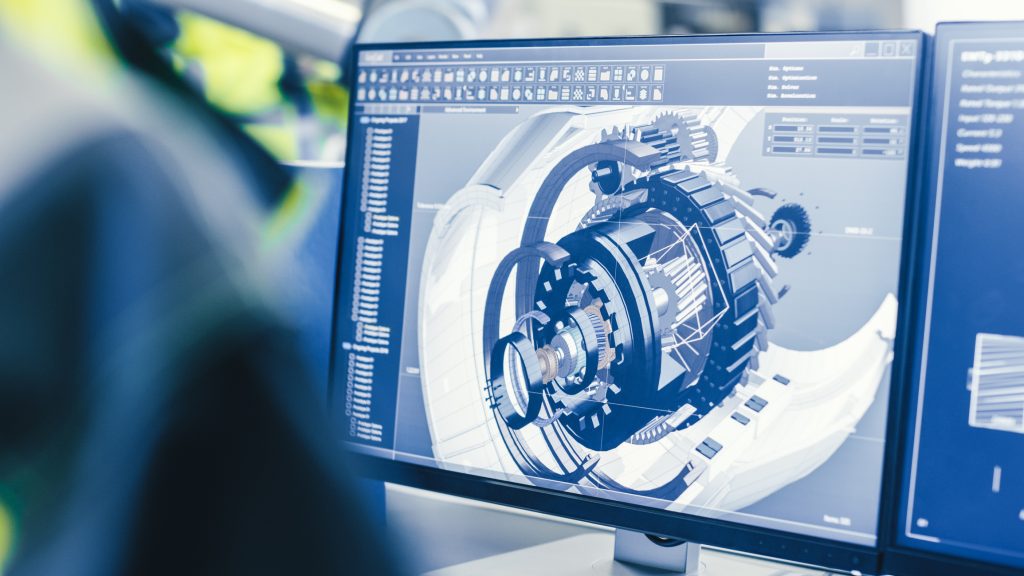
Also known as CAD (Computer-Aided Design), 3D modelling is one of the most common methods to obtain a 3D printing file. This digital design technique creates three-dimensional models on a computer using lines. It has three sub-methods: solid modelling, surface modelling and organic design.
Solid modelling
Solid modelling creates 3D files following real manufacturing workflows. It mimics how a piece will be manufactured. Procedures include extrusion, revolution, sweep or cut. Solid modelling focuses on designing the mechanical part of a piece. Think of a bolt. You can design it with solid modelling because it uses simple geometries: rectangles, circles, triangles.
This system has an important advantage. It uses a parametric process. All parameters save at each step and you can edit them without starting from scratch. It works like layers in graphic design. You modify one layer and the rest adapts. Solid modelling also simulates assemblies with different pieces. This ensures correct manufacturing tolerances. Design a cylinder that fits into a hole. The software detects any interference that would make joining incompatible.
Know our 3D modelling services
Solid modelling software usually requires paid licenses. You find established options like Solidworks, AutoCAD, Inventor and PTC Creo. Free alternatives include Fusion 360 and Onshape.
Surface modelling
Surface modelling generates the aesthetic part of a piece or product. Many restrictions from solid modelling do not apply here. The workflow differs. Take a car. You use this method to obtain the 3D file of the car body. Complex geometries come into play.
Both solid and surface modelling produce files in CAD format (IGES, STEP, PARASOLID). Most 3D printing software requires STL or OBJ files. You must save the file in one of these formats.
Organic modelling
The third sub-method is organic design. It focuses on creating complex surfaces like people, sculptures and jewellery. In short, anything that simple operations or surface modelling cannot generate. These models are polygonal and start with virtual clay. You use haptic devices or drawing tablets. You manipulate the object with traditional tools. You move, add or remove material. This system is common in audiovisual and video game fields. Operators usually have high artistic skills. Examples include ZBrush, Freeform and Mudbox.
3D scanning: obtaining files from the real world
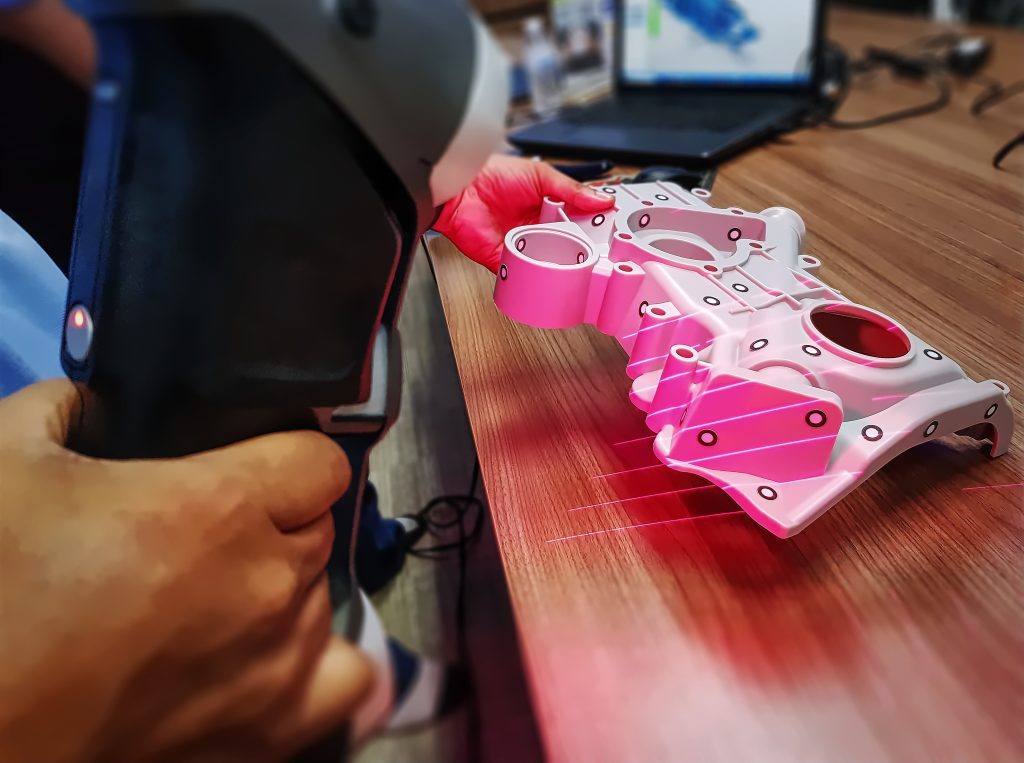
3D scanning transfers geometries from a real physical model to a digital model. A 3D scanner performs this transfer. This method uses different technologies: laser, structured light or long range. Each technology has its peculiarities. You choose one depending on piece size, resolution and measurement precision. The process produces a point format file. The file gets polygonised for visualisation. You obtain an STL or OBJ file directly if the scanner captures colours. This technology helps 3D printing and links to reverse engineering. 3D scanners tend to be expensive equipment. They offer different precision and resolution levels.
Information about professional 3D scanners